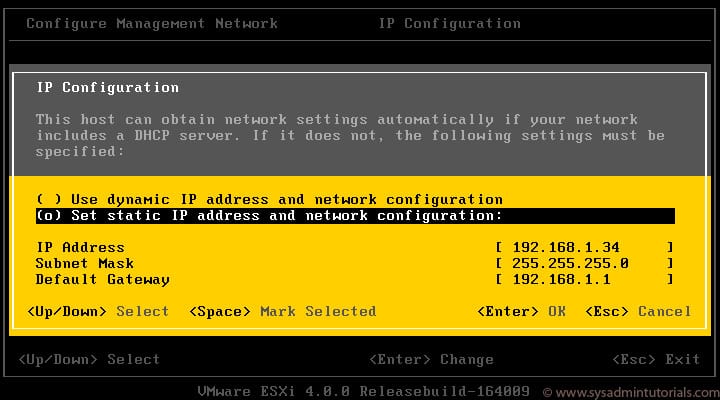
After deploying a vSphere Replication Appliance it will attempt to obtain a DHCP address. If there’s no DHCP server available to facilitate the request, the following error is displayed:
NO NETWORKING DETECTED. PLEASE LOGIN AND RUN THE COMMAND
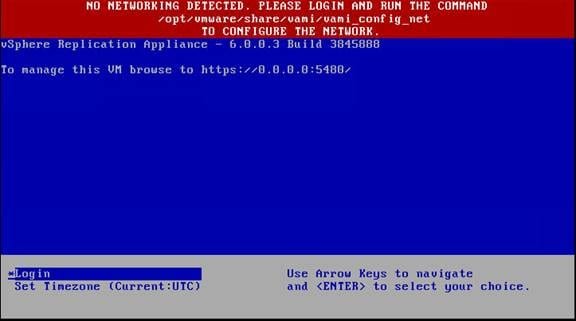
Here’s what we need to do:
- Open a console session
- Login as: root
- Default password is: vmware
- Run the following command:
/opt/vmware/share/vami/vami_config_net
- After running the above command, a menu is displayed. Use the menu to set your desired configuration.
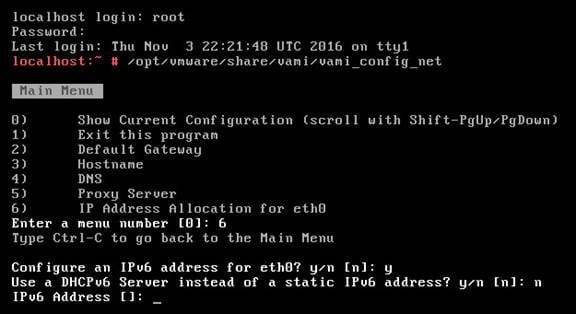
- Once configured, exit the program (option 1) and browse to the following URL:
https://static-ip-address:5480
Thanks,
Brandon Stuart, PEI