Adding Links Via Custom Fields
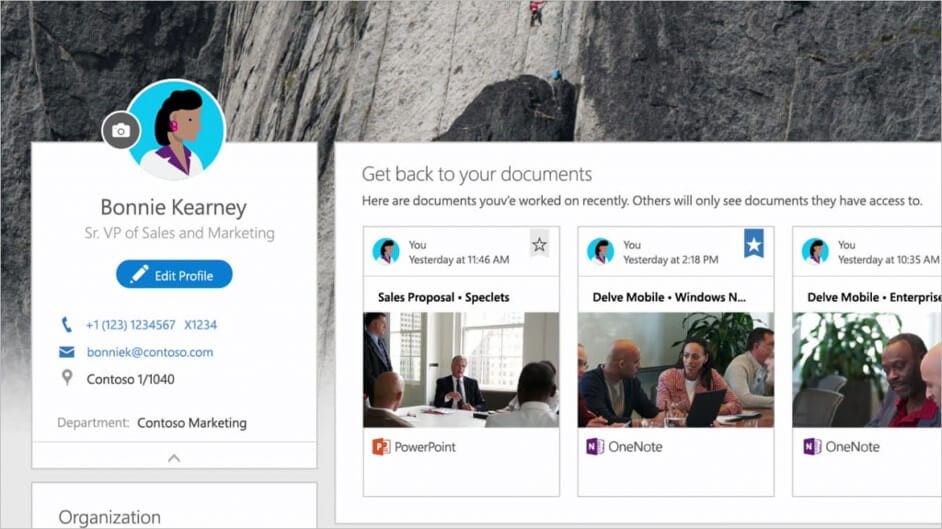
We were asked recently if you can add links to things like LinkedIn or GitHub to the Web Links section of your Delve profile. You can add links to Delve, but not via the Web Links header.
What you have to do is go into the SharePoint Admin Center, then User Profiles, Manage User Properties. Add a new property called LinkedIn, for example, and set:
- Default Privacy Setting: Everyone
- Check Show in the Profile Properties section of the user’s profile page
- Check Show on the Edit Details page
Once you’ve done that, go back to Delve and edit your user profile. Click the … and then select Custom Properties.
You should see a new field called LinkedIn. Paste your LinkedIn profile URL here.
Save and go back to your profile page, and you should see the URL listed.
Jeff Kirvin, PEI