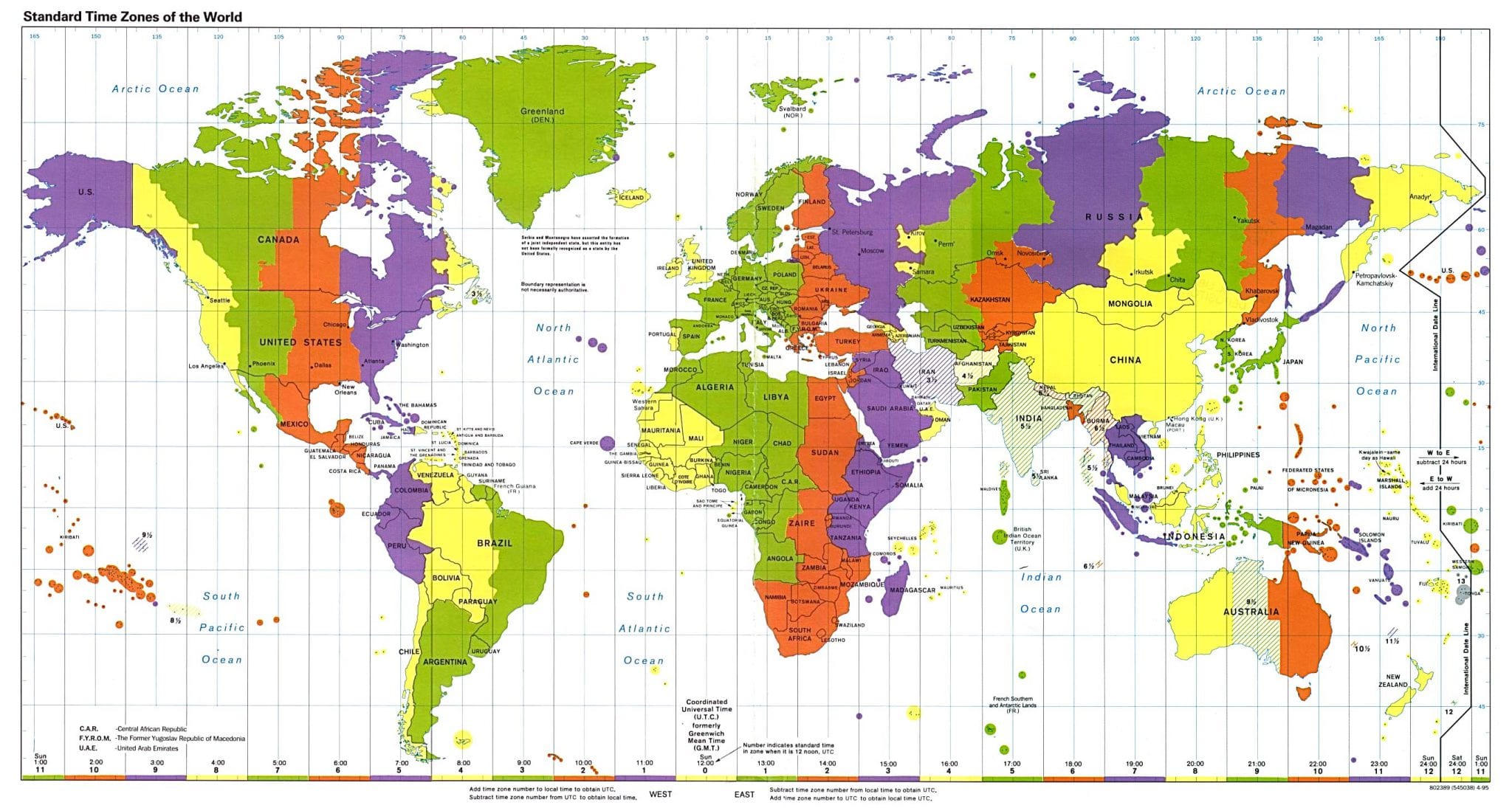
Adding Time Zones in Outlook 2016 & 2019
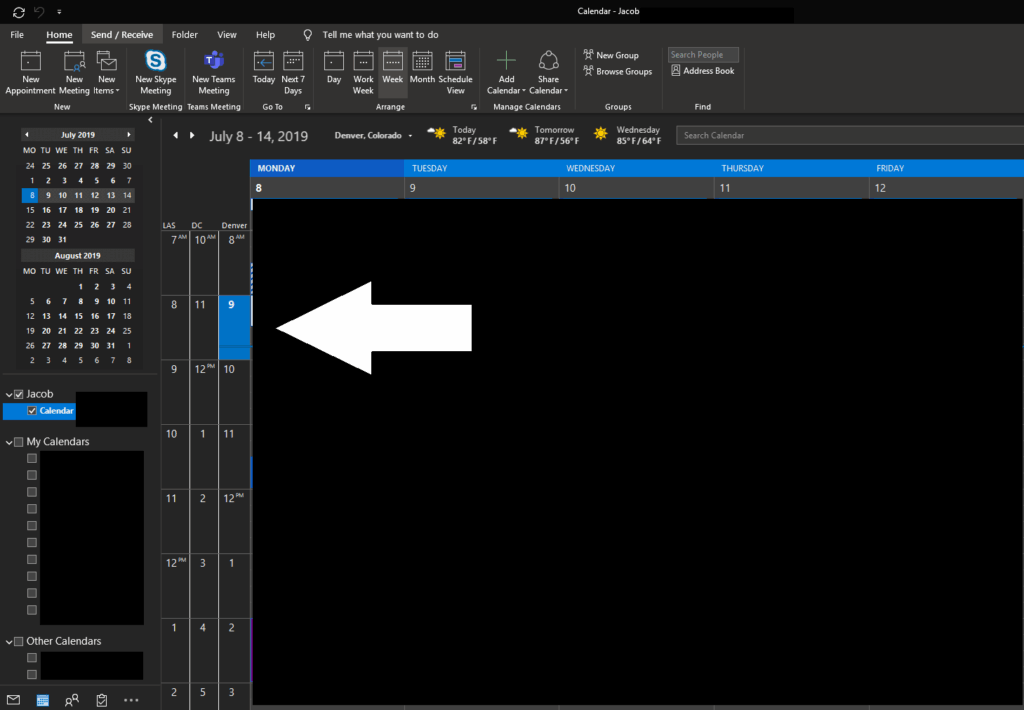
Not too far back, Outlook 2016 received an update to the multi time zone support that allows you to see a single extra time zone in your calendar. This has now been enhanced to add second AND third time zones in Outlook 2016 and 2019.
By going to FILE => OPTIONS => CALENDAR,
You can now enable one of my favorite features of Outlook – multi calendar support.
Viewing an Extra Time Zone in Windows 10
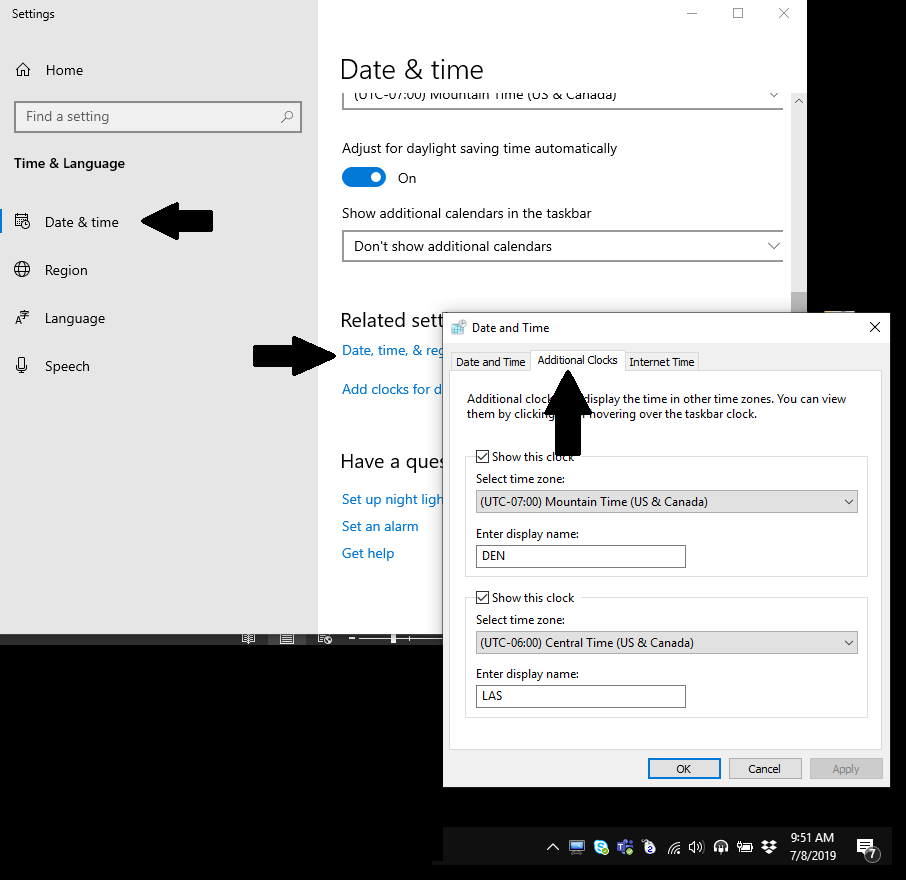
You can get similar functionality in Windows 10 by adding it to your task bar. Unfortunately, you will only be able to add a second time zone and not a third one, and you are only able to see the time by mousing over the clock in the taskbar.
Here is how to add it:
Open Time & Language Settings and select Date & Time. Under the Related Settings header, select Date, Time, and Regional Settings. In the flyout window, select the Additional Clocks tab and add your desired timezone.
JacobR, PEI