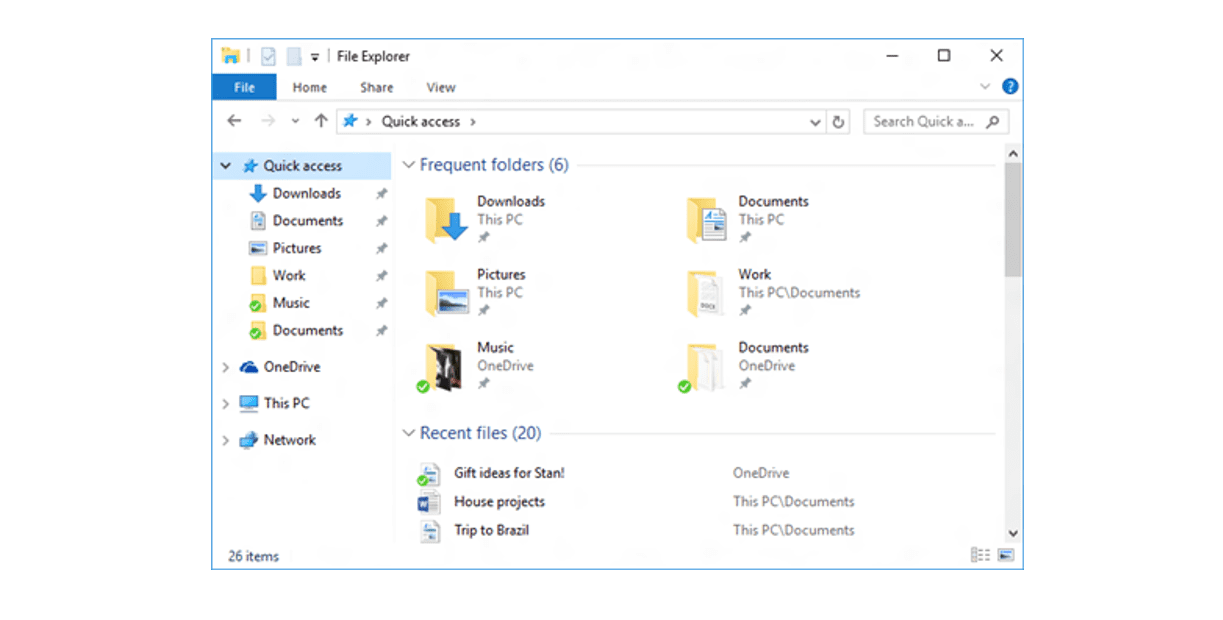
Windows File Explorer Quick Access

When working with customers, I frequently hear complaints about the Windows 10 default File Explorer view for Quick Access when opening a new File Explorer window.
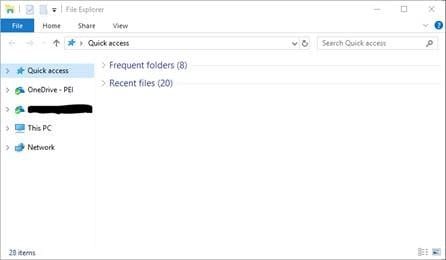
Defualt File View Quick Access Screenshot

There is a very simple and quick fix to have File Explorer windows open to “This PC” instead of “Quick access”.
Open Folder Options by navigating to File>Options.
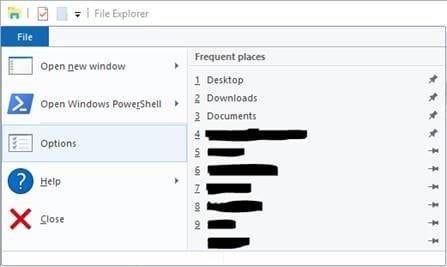
File Explorer Folder Options Screenshot
In the Open File Explorer pulldown field, change the option from “Quick access to “This PC”.
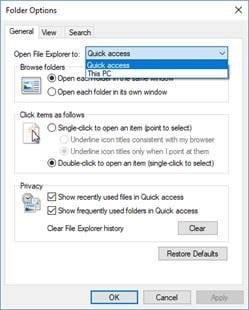
Change Default file View to This PC Screenshot

Now the default view for File Explorer is back to the PC View.
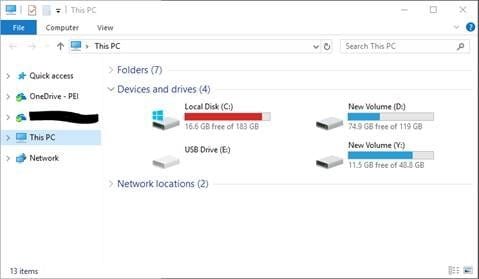
File Explorer Default View This PC

Lucas Guth, PEI

Let’s talk IT.

Request a consultation. Tell us where your offices are and one of our engineers will be in touch within one business day — no sales script, no obligation, just a working conversation about what you’re trying to do.

cyber insurance

"*" indicates required fields

This field is for validation purposes and should be left unchanged.
Your Name*